Ever Thought of Selling Without Selling?
Imagine walking into a store where you can browse freely, explore products at your own pace, and ask for details without feeling pressured to buy instantly. Sounds refreshing, right? That’s exactly what CatalogX’s Catalog Mode and Enquiry Option brings to your WooCommerce store.
Instead of pushing customers to purchase, why not let them discover, compare, and engage first? Whether you’re running a service-based business, handling pre-orders, or just want to collect inquiries instead of immediate sales, disabling the “Buy Now” option can be a game-changer.
Let’s explore how this one simple tweak can enhance customer experience, boost engagement, and open new opportunities for your WooCommerce store.
Why Force Customers for Instance Purchases? Let Them Explore Instead!
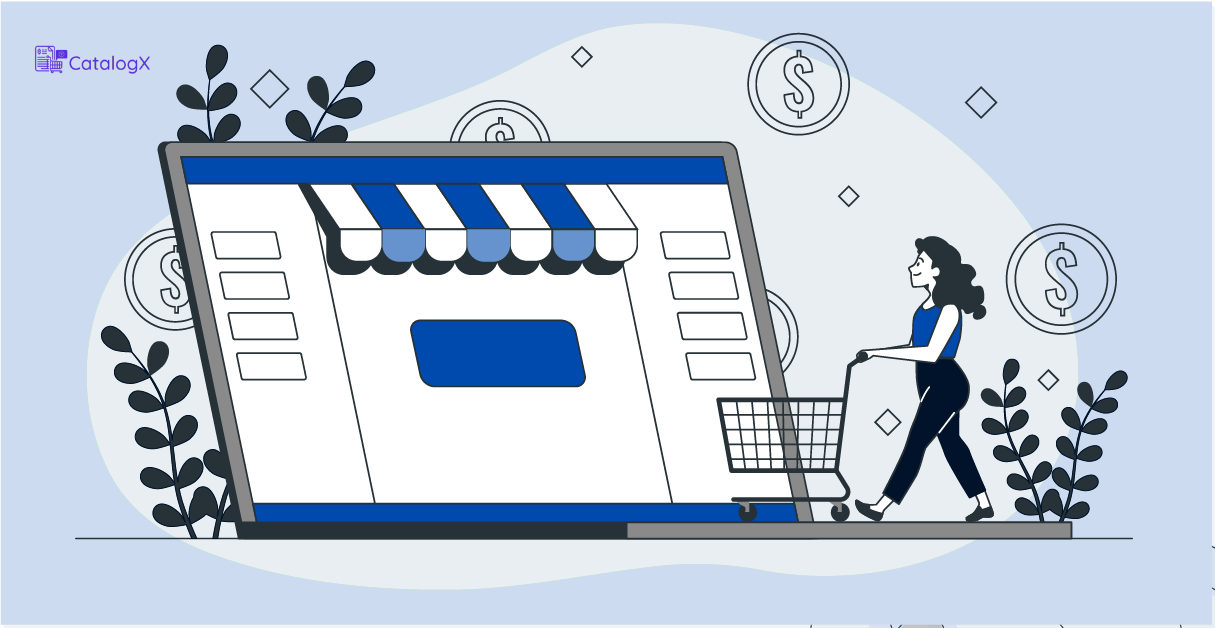
WooCommerce is great for selling, but not every business wants customers to immediately add products to their cart and check out. Some businesses thrive when customers take time to understand the product, compare options, or inquire before purchasing.
This is where CatalogX’s Catalog Mode steps in. With just one toggle, you can disable buying across your entire store. No coding, no complicated setup—just instant flexibility.
How This Benefits Your Store:
✅ Better Customer Experience: Visitors can browse without feeling pressured to grab immediately.
✅ Encourages Thoughtful Shopping: Shoppers take time to explore, enquire and make informed decisions.
✅ Reduces Cart Abandonment: Since there’s no urgency to check out, customers engage more with your products.
Perfect for Businesses That Sell Differently
Not every online store needs a traditional checkout process. Some businesses thrive on inquiries, custom orders, or pre-sales.
Who Benefits from Catalog Mode and the Enquiry Option?
- Service-Based Businesses: If you offer consultations, repairs, or made-to-order products, you probably don’t need a direct buying option.
- Wholesale & Bulk Sellers: Instead of instant checkouts, let customers request quotes for bulk pricing.
- Pre-Order & Rental Stores: Stores can disable transactions while showcasing upcoming or rental-based products.
- B2B & Custom Pricing Models: If your pricing depends on the client’s requirements, guiding customers to inquire first opens the door for better engagement.
By switching to a Catalog, you turn your WooCommerce store into a powerful product showcase rather than a one-size-fits-all shopping cart. And providing an option for customers to clear their doubts is the cherry on top.
Want More Leads? Enabling Enquiry Can Help!
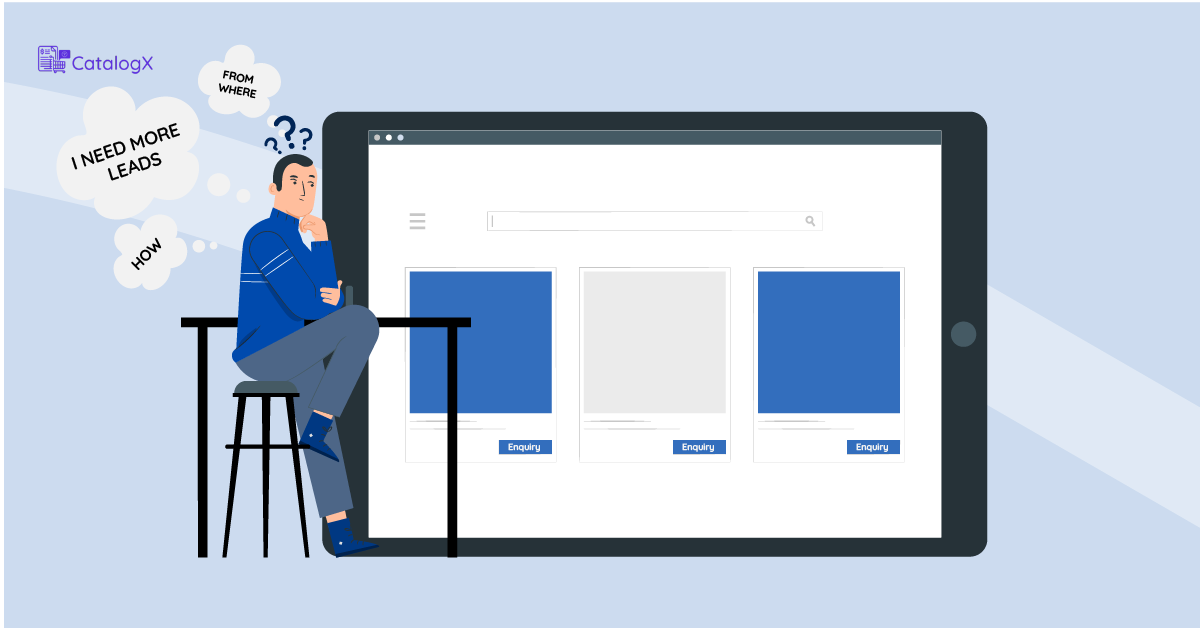
Sounds surprising, right? But think about it—when customers can’t instantly make a purchase, they’re more likely to reach out. This is where the Enquiry Option m
Here’s How It Works:
📝 Collect More Inquiries: Customers who cannot make a direct transaction, will contact you for details, giving you a chance to engage and convert them.
📩 Grow Your Email List: Use this opportunity to offer updates, promotions, or pre-order notifications.
📊 Understand Customer Demand: Instead of abandoned carts, you get direct insights into what customers are interested in.
By removing that one thing, you create conversations, not just transactions. And in business, meaningful conversations lead to loyal customers.
One Toggle, Big Transformation
With CatalogX, you don’t have to redesign your WooCommerce store or install multiple plugins. It’s just one toggle that:
✔ Turns your store into a beautiful catalog.
✔ Encourages customers to explore before purchasing
✔ Supports service-based, wholesale, and inquiry-driven businesses
✔ Boosts engagement and helps build stronger customer relationships
So, if you’re ready to sell smarter (not harder) and give your customers a shopping experience without the rush, it’s time to try CatalogX’s Catalog Mode and Enquiry Module today!