Imagine this: A customer lands on your WooCommerce store, finds a product they love, wants to make an enquiry but couldn’t find any suitable option, and then vanishes. No purchase. No explanation. Just another abandoned cart added to the growing pile.
Sounds familiar? You’re not alone. Cart abandonment is one of the biggest problems in eCommerce, silently eating away at your sales. But what if there was a simple way to stop this from happening? Something as easy as giving customers an opportunity of Enquiry before they click “Buy Now.”
Why Do Customers Abandon Their Carts? (And Why “Buy Now” Isn’t Always Enough)
Before fixing the problem, we need to understand why customers leave their carts behind. Here are the most common reasons:
- Hidden Costs – Unexpected shipping fees, taxes, or additional charges scare customers away at the last moment.
- Complicated Checkout – Too many steps, forced account creation, or confusing forms can push people to give up.
- Payment Worries – Customers hesitate if they don’t see their preferred payment option or if they’re unsure about security.
- Unanswered Questions – Sometimes, shoppers have one small doubt holding them back: “Will this fit my needs?” “Does it work with my setup?” If they can’t find the answer quickly, they leave.
This last point is crucial. A simple “Add to Cart” is sometimes not enough. Customers want clarity before they commit. That’s where a clickable Enquiry option comes in.
The Enquiry Option: A Simple Yet Powerful Solution
A clickable Enquiry option is exactly what it sounds like—it’s an interactive box of any colour that lets customers ask questions before making a purchase. Instead of guessing or leaving to “think about it,” they can reach out instantly.
Here’s why it works:
✅ Eliminates doubts: Customers can ask about product features, compatibility, or anything else stopping them from checking out.
✅ Encourages engagement: Instead of losing potential buyers, you start a conversation and keep them interested.
✅ Builds trust: Shoppers feel more confident when they know there’s real support behind your store.
And don’t worry—it doesn’t mean customers will flood you with questions. You can also minimize enquiries by adding an FAQ section to answer common doubts upfront.
Why Your WooCommerce Store Needs an Enquiry
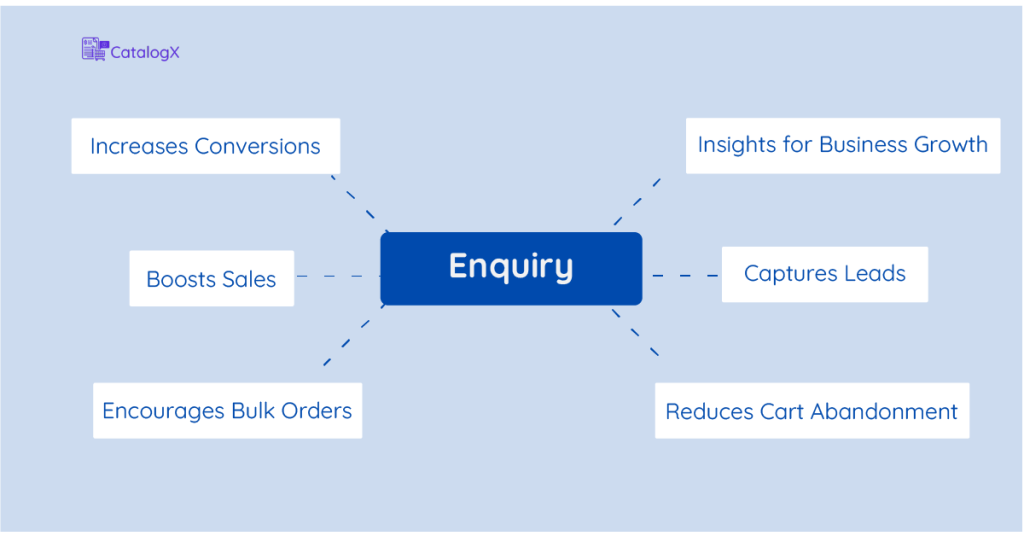
Still not convinced? Here’s what having the option to enquire can do for your store:
🚀 Reduce Cart Abandonment: Addressing customer concerns before checkout means fewer abandoned carts.
💬 Improve Customer Experience: Personalized support makes customers feel valued and more likely to return.
💰 Increase Sales: Answering a simple question can be the difference between “I’ll think about it” and “I’ll buy it now.”
🛒 Help Customers Make Informed Decisions: A quick enquiry can give them the confidence they need to move forward.
How to Add an Enquiry Option (The Right Way)
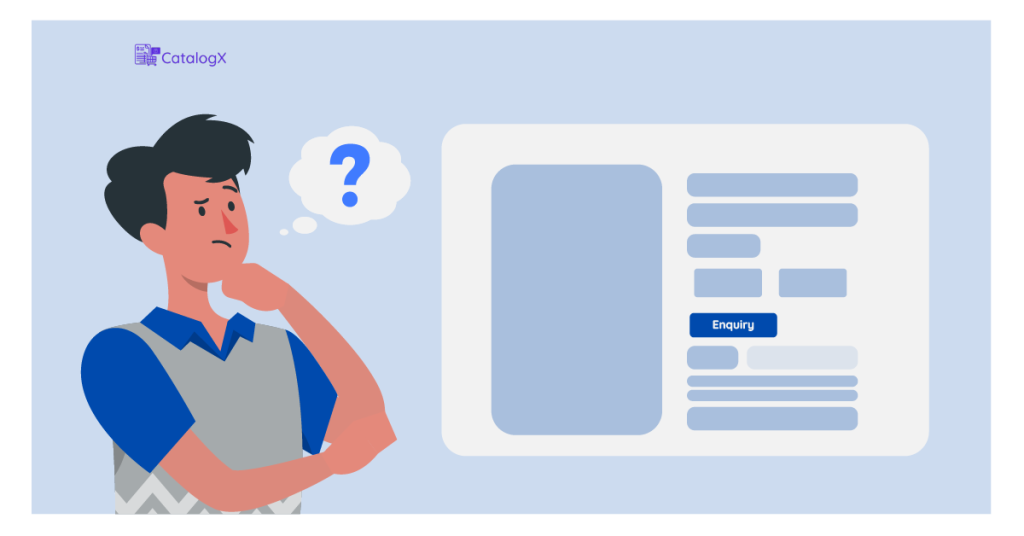
Adding an enquiry option is easy, but strategic placement is key. Here’s how to make it work effectively:
📌 Choose the Right Products: Add the options to high-ticket items, customizable products, or items with complex specifications.
📌 Make It Accessible: Use a pop-up enquiry form so customers don’t have to leave the product page.
📌 Offer Cart-Level Enquiries: Let customers send an enquiry about multiple products in their cart at once.
📌 Integrate with FAQs: Reduce unnecessary enquiries by displaying answers to common questions.
Real-World Impact (Why This Works)
Brands that provided users with an option to enquire reported higher engagement, improved trust, and better conversion rates. Imagine turning every “maybe” into a real sales opportunity, just by making it easier for customers to ask before they buy.
Turn “Almost” Sales into Success
A simple module could be the missing piece in your WooCommerce store. Instead of watching potential buyers disappear, give them a reason to stay, ask, and buy with confidence.
🔹 Are you ready to stop losing sales? Install CatalogX today, activate the Enquiry Module and start converting hesitant shoppers into loyal customers.