Introduction: The Secret to Smarter Pricing
Imagine walking into your favorite store and noticing a special discount just for you—maybe because you’re a loyal customer, or you’re buying in bulk, or simply because it’s your first purchase. Wouldn’t that make you feel valued? This is exactly what smart pricing segmentation does in e-commerce.
Instead of offering the same price to everyone, businesses can dynamically adjust pricing based on who the customer is, how much they’re buying, or even what category the product falls into. This not only maximizes revenue but also keeps customers coming back.
With CatalogX Pro’s Dynamic Pricing Rules Module, setting up smart pricing segmentation is easier than ever. Let’s explore how this can transform your online store and boost your sales effortlessly.
What is Smart Pricing Segmentation?

In simple terms, smart pricing segmentation is a strategy where businesses adjust product prices based on different customer groups, purchase behavior, or market conditions. It ensures that the right customers get the right price at the right time.
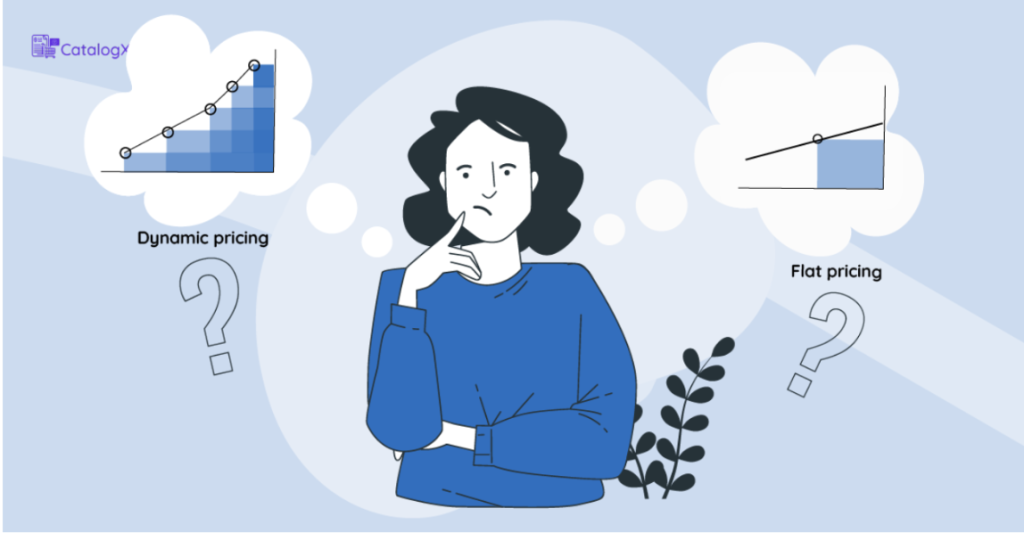
Think about airlines or hotel bookings—the prices change based on demand, customer types (business vs. leisure travelers), or booking time. Now, e-commerce businesses can do the same with Wholesale Pricing, Dynamic Pricing, and Role-Based Pricing.
Why Does It Matter?
✔ Higher revenue: Charge the right price to different segments instead of a one-size-fits-all model.
✔ Better customer satisfaction: Give discounts to loyal customers or bulk buyers, making them feel special.
✔ Stronger competitive edge: Stay ahead by offering personalized pricing that appeals to different customer needs.
Now, let’s look at how CatalogX Pro’s Dynamic Pricing Rules Module helps you apply this strategy effortlessly.
Smart Pricing in Action: How CatalogX Pro Makes It Easy
1. Dynamic Pricing: The Power to Set Smart Discounts
Dynamic pricing allows you to adjust prices based on customer behavior and market conditions. With CatalogX Pro, you can create customized discount rules based on:
🔹 Product or Category: Apply discounts to selected products or entire categories.
🔹 User Roles: Give special prices to wholesalers, VIP customers, or new buyers.
🔹 Bulk Purchases: Offer discounts when customers buy a certain quantity.
How to Set It Up in CatalogX Pro
1️⃣ Enable the Dynamic Pricing Rules Module in the admin dashboard.
2️⃣ Click on “Add New Rule” and enter:
- A rule name (e.g., “Bulk Discount for Retailers”).
- Who the discount applies to (specific product, category, or user role).
- Discount type (fixed amount or percentage-based).
- Minimum quantity required for the discount.
3️⃣ Click “Add and Activate”, and the rule is live!
💡 Example: A store selling office supplies offers 10% off for 50+ items and 20% off for 100+ items. This encourages customers to buy more, increasing revenue effortlessly.
2. Wholesale Pricing: Encourage Bigger Orders with Better Deals
For businesses catering to bulk buyers, wholesale pricing is essential. Instead of forcing wholesalers and retailers to negotiate every time, just set predefined wholesale prices.
🔹 Encourages larger orders by offering discounts based on purchase volume.
🔹 Streamlines pricing for B2B buyers without needing manual approvals.
🔹 Works alongside dynamic pricing for maximum flexibility.
💡 Example: A coffee bean supplier offers tiered discounts—10% off for 50 lbs, 20% off for 100 lbs, and 30% off for 200 lbs. Retailers buy more because they get better deals, while the supplier benefits from higher sales volume.
3. Role-Based Pricing: Special Offers for Special Customers
Wouldn’t it be great if your most loyal customers, VIPs, or wholesale buyers got exclusive pricing? Role-based pricing lets you:
🔹 Offer different prices for different customer groups (e.g., wholesalers vs. regular customers).
🔹 Create exclusive discounts for members, first-time buyers, or subscription users.
🔹 Make pricing transparent and fair without manual adjustments.
How to Set It Up in CatalogX Pro
1️⃣ Define user roles (e.g., wholesaler, VIP customer, first-time buyer).
2️⃣ Assign custom discounts to each role.
3️⃣ The system automatically applies the right price when the user logs in.
💡 Example: An online bookstore offers 20% off on all purchases for teachers but keeps standard pricing for other buyers. This attracts educators, increasing repeat purchases from a niche audience.
Why Smart Pricing Segmentation is a Game-Changer
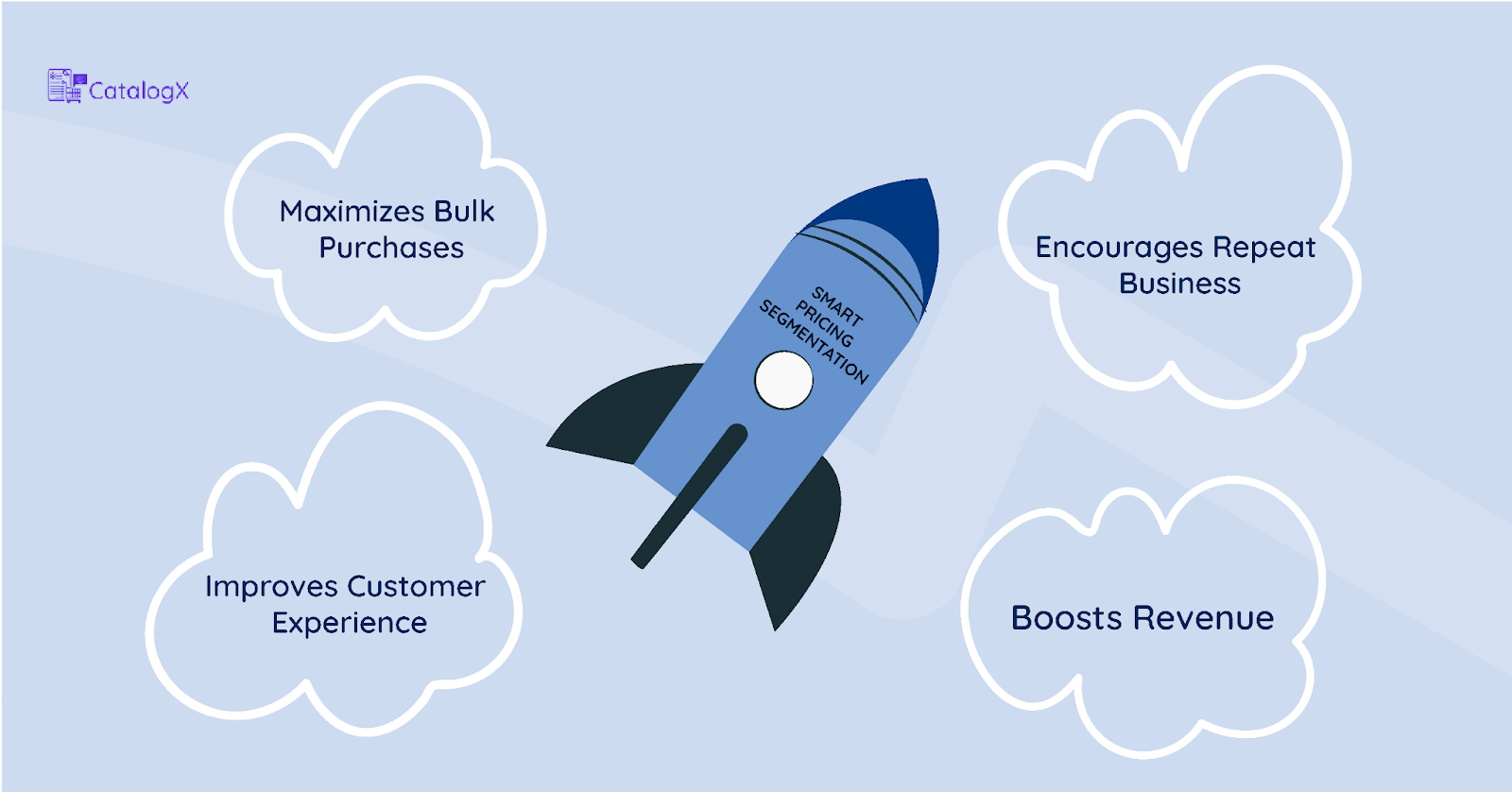
💰 Boosts Revenue: Charge the right price to the right people, increasing conversions.
🙌 Improves Customer Experience: Personalized discounts make customers feel valued.
📈 Encourages Repeat Business: Special pricing for loyal customers builds long-term relationships.
🛍 Maximizes Bulk Purchases: Wholesale buyers and large orders mean more profit for your store.
Conclusion: Start Smart Pricing Today!
Pricing isn’t just about numbers—it’s about strategy. By implementing smart pricing segmentation with Wholesale Pricing, Dynamic Pricing, and Role-Based Pricing, you’re not just selling; you’re creating a more personalized, profitable, and customer-friendly experience.
Why wait? 🚀 Start using CatalogX Pro’s Dynamic Pricing Rules Module today and take control of your revenue like never before!
🔗 Explore CatalogX Pro Now and watch your sales soar!